
Description
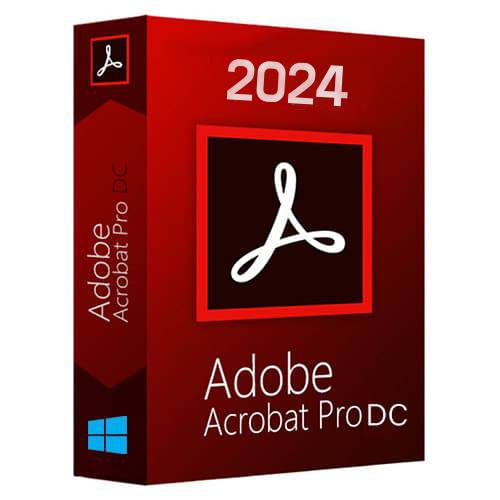
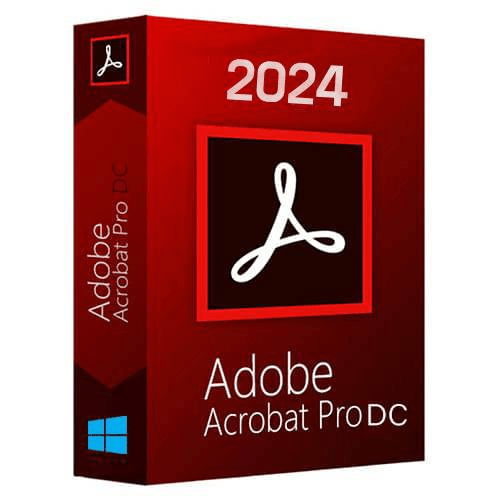
Adobe Acrobat Pro 2024

Overview of Adobe Acrobat Pro 2024 Benefits
Adobe Acrobat Pro 2024 delivers powerful PDF tools designed to help professionals work smarter, faster, and more securely. Create, edit, convert, and sign PDFs with precision, while maintaining full control over document quality and security.
Adobe Acrobat Pro 2024 is the advanced solution for individuals and businesses who need to create, combine, edit, protect, and distribute high-quality PDF documents. It streamlines collaboration, improves productivity, and ensures your documents look professional across all devices.
Trusted by millions of users worldwide, Acrobat Pro is the industry standard for working with PDFs. Whether you need to convert files, edit scanned documents, collect signatures, or collaborate remotely, Acrobat Pro 2024 gives you everything you need to get the job done efficiently—from anywhere.
Overview of Adobe Acrobat Pro 2024 Features
Adobe Acrobat Pro 2024 helps keep your workflow moving. Convert, edit, organize, share, and sign PDFs with ease using the tools below.
Convert
Convert to PDF
Turn almost any file into a professional PDF.
Word to PDF
Convert Microsoft Word documents into PDFs.
PPT to PDF
Convert PowerPoint presentations to PDF format.
Excel to PDF
Convert Microsoft Excel spreadsheets to PDFs.
JPG to PDF
Convert images into PDF files.
Compress PDF
Reduce PDF file size without losing quality.
HTML to PDF
Convert web pages into PDF documents.
Print to PDF
Create PDFs from any printable file.
Edit
Recognize Text (OCR)
Turn scanned documents into editable and searchable text.
Edit PDF
Edit text, images, and layouts directly in your PDF.
Combine Files
Merge multiple files into a single PDF.
Split PDF
Divide one PDF into multiple files.
Delete Pages
Remove unwanted pages from a PDF.
Rotate Pages
Rotate pages to portrait or landscape orientation.
Reorder Pages
Rearrange pages easily within your PDF.
Extract PDF Pages
Create a new PDF from selected pages.
Insert PDF Pages
Add pages to an existing PDF.
Crop Pages
Trim page margins and adjust visible content.
Add Comments
Highlight text, add notes, and collaborate with annotations.
System Requirements and Technical Details
Processor: Intel processor or compatible
Operating System:
Windows 7, 8, 8.1, 10, 11 (32-bit and 64-bit)
Windows Server 2008 R2, 2012, 2012 R2
CPU Speed: 1.5 GHz or faster
Memory: 1 GB RAM (2 GB recommended)
Hard Disk Space: 4.5 GB available space
Display: 1024 × 768 screen resolution
Browser Support: Internet Explorer 11, Firefox (ESR), or Chrome
Graphics: Video hardware acceleration (optional)
OFFER INCLUDE(S) :
One Time Purchase,No monthly Fees.
Instant Lifetime Activation.
Fast delivery.(Instant Download)
Reviews
There are no reviews yet.